The best free CGI tools for beginners in 2026 are Blender (a professional-grade, open-source 3D creation suite ideal for modelling, animation, and rendering), Autodesk Tinkercad (a browser-based tool for understanding 3D fundamentals without any downloads or advanced skills), and Vectary (a drag-and-drop 3D and AR design tool built for first-timers). Each serves a different entry point, Blender for creators ready to go deep, Tinkercad for complete beginners learning the basics, and Vectary for interactive e-commerce and product storytelling. This article covers why CGI matters for brand owners and content creators in 2026, what each tool does best, and the most effective free platforms and communities for learning CGI from scratch.
Computer-generated imagery (CGI) isn't just for blockbuster movies anymore. The evolution of AI has made it more accessible and versatile, extending its reach to content creation, brand campaigns, social media, and product mockups. Knowing how to use CGI tools can unlock new levels of creative expression and engagement, and a new era of free tools has made learning more achievable than ever.
Read More: Free AI Tools For Media Production In 2026
Why CGI Matters in 2026 (Especially for Content Creators & Brands)
CGI matters for content creators and brands in 2026 because audiences now expect more polished, imaginative, and immersive content, and emerging platforms like TikTok, Instagram Reels, and modern websites are increasingly favouring rich visuals. CGI gives brands and creators the ability to deliver that standard, even with small budgets.
The rise of CGI in marketing comes from two major shifts: higher visual expectations from audiences who've been conditioned by high-production content, and the growth of AI-assisted editing tools that pair with CGI to amplify what small teams can produce. Four specific advantages make it worth learning:
- You can create the impossible: CGI allows you to tell visual stories unconstrained by physics or budget- a talking character in a social media ad, a futuristic product environment, a fully branded world that doesn't exist in real life.
- It makes you stand out: hyper-detailed, high-quality CGI in social media stops scrolling in a way that familiar content cannot, showcasing creativity and professionalism at the same time.
- Consistency and control: CGI gives brands a visual identity that works across every medium, from website to billboard, without the logistics of physical props or shoots.
- It's scalable: with a solid understanding of even one free CGI tool, you can produce everything from an animated logo to a complex explainer video, and the possibilities grow with your skills.
The Best Free CGI Tools for Beginners
The three best free CGI tools for beginners are Blender, Autodesk Tinkercad, and Vectary, covering the full range from professional-grade 3D creation to browser-based beginner fundamentals and AR-ready design assets.
Blender
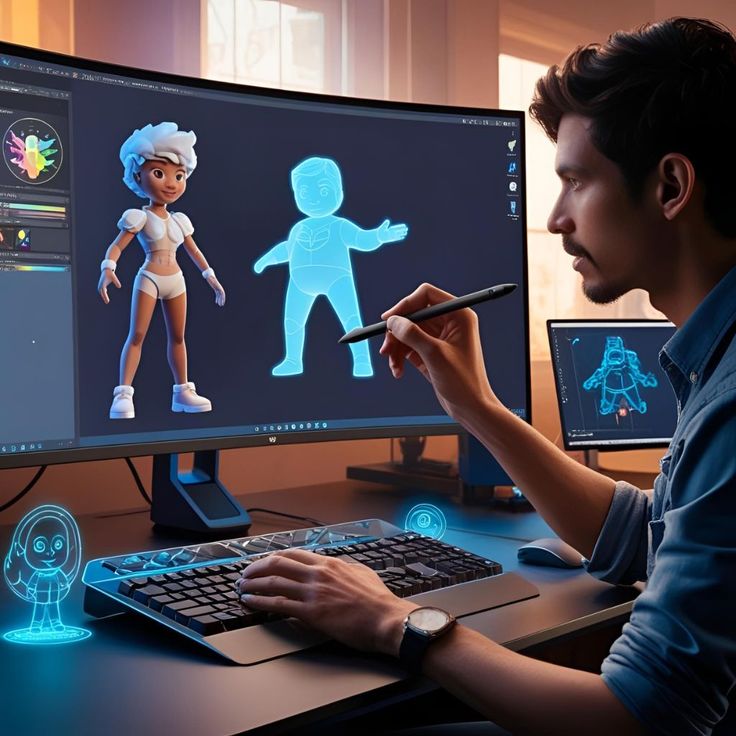
It's a completely open-source and professional-grade 3D creation suite that can do virtually everything. While its interface can seem intimidating at first, the numerous free, beginner-friendly tutorials available online are a testament to its popularity and accessibility.
- Use Case: 3D modelling, animation, rendering.
- Why We Like It: It’s powerful, with a huge online community. Think of it as the Adobe of CGI, without the price tag.
- Ideal For: Mockups, animation shorts, social CGI reels.
Autodesk Tinkercad
A free, browser-based tool that lets you create basic 3D models using a simple drag-and-drop interface without any advanced skills or downloads.
Tinkercad is useful for beginners who want to understand the fundamentals of CGI, spatial design, or even 3D printing. While it’s not designed for high-end animation or complex rendering (like Maya or Blender), it’s a solid starting point for understanding how 3D objects are built and manipulated.
Best For:
- Students and educators.
- Creatives experimenting with 3D design.
- Beginners looking to understand CGI foundations before progressing to tools like Blender or Cinema 4D.
Why It Stands Out:
- Completely free and easy to use.
- Runs in your browser (no installation required).
- Offers a gentle learning curve compared to professional-grade tools.
- Includes features for basic electronics and coding simulations.
Where to Learn:
- Tinkercad's official Learning Centre.
- YouTube tutorials tailored to 3D beginners.
- Beginner-friendly guides on 3D printing forums and maker sites.
Vectary
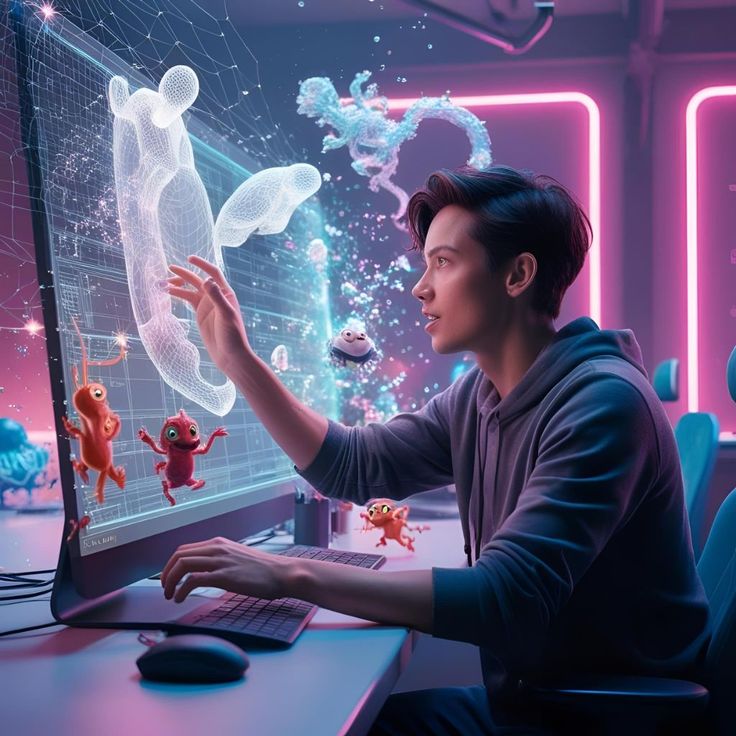
It's a powerful, user-friendly 3D design tool that runs entirely in your web browser. Vectary's drag-and-drop interface and a wide library of free 3D assets make it helpful for first-timers.
- Use Case: 3D design and augmented reality.
- Why We Like It: Perfect fit for beginners looking to build 3D assets and include them in websites or AR content.
- Ideal For: Interactive e-commerce, product storytelling.
Read More: How To Use AI For Website Design and Marketing (2026)
Where To Learn CGI as a Beginner For Free
The most effective free resources for learning CGI as a beginner are YouTube channels (Blender Guru, CG Geek, and Ducky 3D for Blender-specific learning), Skillshare and Domestika for short project-based courses, the built-in tutorials within Spline and Vectary themselves, and community spaces on Reddit and Discord where you can share work and get real-time feedback.
1. YouTube Channels
- Blender Guru – If you’re using Blender, this is the library of tutorials.
- CG Geek – Offers tutorials across Blender, VFX, and animation basics.
- Ducky 3D – Focuses on abstract visuals and cool shader effects.
2. Skillshare / Domestika
- Both platforms offer short, project-based CGI courses. Look for instructors who specialise in beginner workflows.
3. Spline/ Vectary Learning Hubs
- These tools have built-in tutorials and templates. Great for learning by practice.
4. Reddit + Discord Communities
- Subreddits like r/Blender and r/CGI offer advice, feedback, and beginner tips.
- Join communities where you can share work and get real-time support.
What are the best tips for first-time CGI creators?
The four most important tips for first-time CGI creators are: start with something small rather than a complex project, use existing templates to speed up learning, pair CGI tools with AI-assisted platforms to enhance output, and build a portfolio early by sharing your experiments publicly, even before you have client work.
- Start small: begin with product animations, interactive logos, or social media loops, not a full film. Every expert started with a sphere and a basic light.
- Use templates: tools like Spline and Vectary offer free, editable templates that significantly speed up the early learning process.
- Pair with AI: platforms like Runway or Pika can enhance CGI with AI-assisted editing or background generation.
- Build a portfolio: share experiments on Threads, LinkedIn, or Behance, you don't need client work to demonstrate capability and attract attention.
FAQ
What is the easiest free CGI tool for beginners?
Autodesk Tinkercad is the most beginner-friendly starting point, it runs in your browser, requires no installation, and uses a simple drag-and-drop interface to teach the fundamentals of 3D design. For creators ready to move beyond the basics, Vectary offers a similarly accessible browser-based experience with more creative range. Blender is the most powerful free option but has a steeper initial learning curve.
Is Blender really free and professional-grade?
Yes, Blender is fully open-source and free, and it's used professionally by studios, independent creators, and brand teams worldwide. It covers 3D modelling, animation, rigging, rendering, compositing, and video editing. The learning curve is real, but the community resources (particularly Blender Guru on YouTube) make it the most well-supported free creative tool available.
How long does it take to learn CGI as a beginner?
With consistent practice, a beginner can produce simple social media-ready 3D visuals within two to four weeks using tools like Blender or Vectary. The key is starting with a focused, small project rather than attempting something complex. Most skills in CGI are progressive; what you learn building a simple animated logo applies directly to more complex projects later.
Can small brands use CGI without a dedicated design team?
Yes, particularly with browser-based tools like Tinkercad and Vectary, which require no specialist hardware or software installation. No-code interactive storytelling platforms like Spline also allow brand owners to create 3D interactive assets for websites without writing code. AI-assisted tools like Runway and Pika can further reduce the time and skill required to produce polished CGI-enhanced content.
What types of brand content can CGI be used to create?
CGI can be used for product mockups and 3D renders, animated logos and brand identities, social media reels and scroll-stopping visuals, AR experiences for e-commerce and events, explainer videos, interactive website elements, and short films or campaign content. The scalability of CGI is one of its core advantages, the same skills and tools that produce a simple animated logo can be developed into far more complex creative work over time.
What free tools pair well with CGI for brand content creation?
Blender pairs well with Runway (AI-assisted video editing and background generation) and Pika (AI video generation). Vectary works naturally alongside website builders for embedding interactive 3D assets. Canva integrates basic 3D elements for social media without requiring separate CGI tools. For a complete free workflow, Blender for creation, Runway for enhancement, and Canva for distribution covers most brand content needs.
CGI isn’t a visual trick; it’s a storytelling tool. It helps content stand out, engage deeply, and tell emotionally resonant stories. You don’t need to be a 3D expert or have a huge budget. With the right tools and guidance, anyone can start creating.
Want to integrate CGI into your content workflow without starting from scratch?
Let’s build something bold, immersive, and brand-ready.
Work with CHILD Creative Studio today. Start your project with us today!
















.png)

.png)

.png)




.png)

.png)